
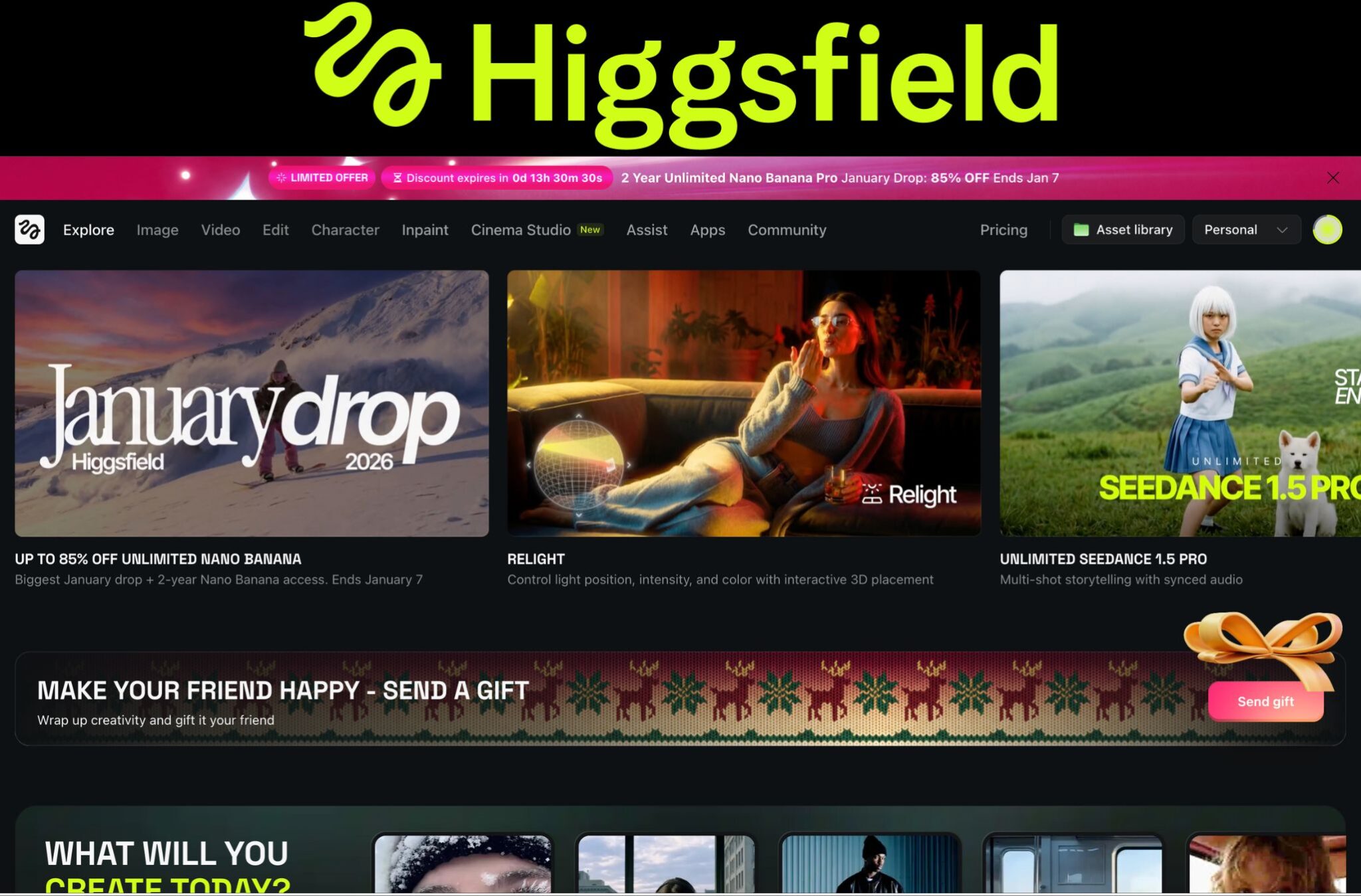
I want to be completely upfront with you before we get into this. I am not a tech journalist. I am just someone who makes content online, spends way too much time testing AI tools, and genuinely wanted to know if Higgsfield AI is worth the money or just another overhyped platform. So I signed up, I played around with it for a few weeks, and here is everything I found out, good and bad.
What is Higgsfield AI and How Does It Work?
So Higgsfield AI started as a mobile application. A lot of people found it through the Diffuse app on their phone. But now it has a full web platform too. The whole idea behind it is that you do not need to jump between five different AI tools to create a video. Everything is supposed to live in one place.
What is Higgsfield AI exactly? Think of it as a creative hub that pulls in multiple AI models under one dashboard. You get text to video, image to video conversion, face swap, lipsync studio, a special feature called Soul ID for keeping your character consistent across shots, and even a Cinema Studio mode that gives you actual director-level controls like camera angles, lens types, and focal lengths. I know, it sounds like a lot.
The AI models it currently runs include Kling 2.6, Nano Banana Pro, Seedance 1.5 Pro, WAN 2.5, and others. These are not small names in the AI video space. So when you log in at https://higgsfield.ai, you are technically getting access to a multi-model platform, not just one in-house generator.
Core Features I Actually Tested
Higgsfield AI Text to Video and Image to Video
This is where most people start. You type a prompt, something like a futuristic cityscape at dusk with flying cars and neon lights, and the tool generates a video clip, usually between 5 to 30 seconds depending on the model you pick. The Higgsfield AI video generator supports both text input and image upload, so you can take a photo you already have and animate it with natural movements.
For simple, single-subject clips, it actually works pretty well. A calm talking head, a slow pan across a landscape, a product shot with subtle movement. That stuff comes out looking clean. Where it gets rough is when you push it with complex actions, fast camera movement, or layered emotional storytelling. The motion quality score in real benchmark tests sits around 3.6 out of 10, which honestly tracks with what I saw in my own testing.
Camera Movement Presets and Cinema Studio
This is where Higgsfield genuinely earned some respect from me. The camera movement presets are the thing that put Higgsfield on the map originally, and they still stand out. You can specify crash zooms, crane shots, Dutch angles, all through the Cinema Studio tool. For content creators in the USA who want that cinematic feel without hiring a crew, this feature alone can be a game changer for things like YouTube shorts or Instagram reels.
Higgsfield Soul Jump and Soul ID
Okay so the Higgsfield Soul Jump feature is something a lot of people search for and I want to explain it clearly. Soul Jump is basically a performance transfer tool. You take a reference video of movement or expression and it gets mapped onto your subject. Think of it like making your character move the way you want them to, using another clip as a guide. Soul ID works alongside this to keep the same character looking consistent across multiple shots, which is a massive pain point in AI filmmaking. Does it work perfectly? Not always. But the concept is right and the results are better than most standalone tools I have tried.
Lipsync Studio and Face Swap
The Higgsfield AI lipsync studio lets you create realistic talking head videos. You upload or generate a face, add audio, and it syncs the mouth movements. The Higgsfield AI face swap feature lets you put a different face onto existing video. I used the face swap to put my face onto a product demo clip and it came out surprisingly believable. Not Hollywood ready, but good enough for social media content.
Higgsfield AI Earth Zoom In and Earth Zoom Out
A lot of people search for Higgsfield AI earth zoom in and Higgsfield AI earth zoom out, so let me address this directly. These are motion presets built into the platform. Earth zoom out starts from a close shot and pulls back to reveal a wide aerial or planetary view. Earth zoom in does the opposite. They are cinematic transitions that look incredible for intros, outros, and brand videos. This is part of what makes Higgsfield AI feel more like a production toolkit than a basic video generator.
Higgsfield AI Benchmark Score: Let’s Be Honest
Here are the real benchmark results for the in-house Higgsfield video generator:
| Category | Score | Rating |
| Prompt Adherence | 4.8 / 10 | Fair |
| Temporal Consistency | 3.4 / 10 | Poor |
| Visual Fidelity | 4.1 / 10 | Fair |
| Motion Quality | 3.6 / 10 | Poor |
| Style & Cinematic Realism | 2.8 / 10 | Poor |
| OVERALL SCORE | 3.7 / 10 | Poor |
I know what you are thinking. Those numbers are rough. And honestly, they are. The in-house generator struggles with temporal consistency, meaning the video can start looking good and then fall apart by the third second. Cinematic realism is the weakest area. But here is the thing: Higgsfield knows this. The platform offsets its own generator’s weaknesses by integrating stronger third-party models like Kling 2.6. When I used Kling 2.6 through the Higgsfield dashboard, the quality jumped noticeably.
So when people ask is Higgsfield AI good for professional video creation, the honest answer is: not entirely on its own engine, but yes when you use the integrated models smartly.
Higgsfield AI Pricing Plans: Which One is Worth It?
Let me break down the Higgsfield AI pricing in plain terms. All prices below reflect annual billing as of early 2026.
| Plan | Monthly Price | Credits/Month |
| Free | $0 | 10 credits |
| Basic | $9/mo | 150 credits |
| Pro | $17.40/mo | 600 credits |
| Ultimate | $24.50/mo | 1,200 credits |
| Creator | $49.80/mo | 6,000 credits |
Is the Higgsfield AI Free Plan Worth Using?
The Higgsfield AI free trial gives you 10 credits to start. That is enough to test a handful of generations and get a real feel for the platform. But it is too limited for serious work. The Higgsfield AI free plan is genuinely good for testing, not for creating. If you want to understand how the credit system works before spending anything, start here.
Which Plan Should You Pick?
For most content creators in the USA, the Pro plan at $17.40 per month on annual billing is the sweet spot. You get 600 credits per month, access to all models, and unlimited access to several models including FLUX.2 Pro. The Higgsfield AI pro plan is solid mid-tier value for regular creators who are making YouTube shorts, Instagram reels, or social media content consistently.
The Higgsfield AI creator plan discount during promotional periods like the January 2026 deal where they ran 85 percent off is genuinely one of the best deals I have seen in AI tools. If another sale like this runs, jump on it. The Higgsfield AI January deal 2026 made the creator plan almost unbeatable for heavy users.
Extra credits are available in packs if you run out, roughly $5 for 80 credits. The Higgsfield AI credit system is straightforward once you understand that different models cost different amounts per generation.
Real Use Cases: What Is Higgsfield AI Actually Good For?
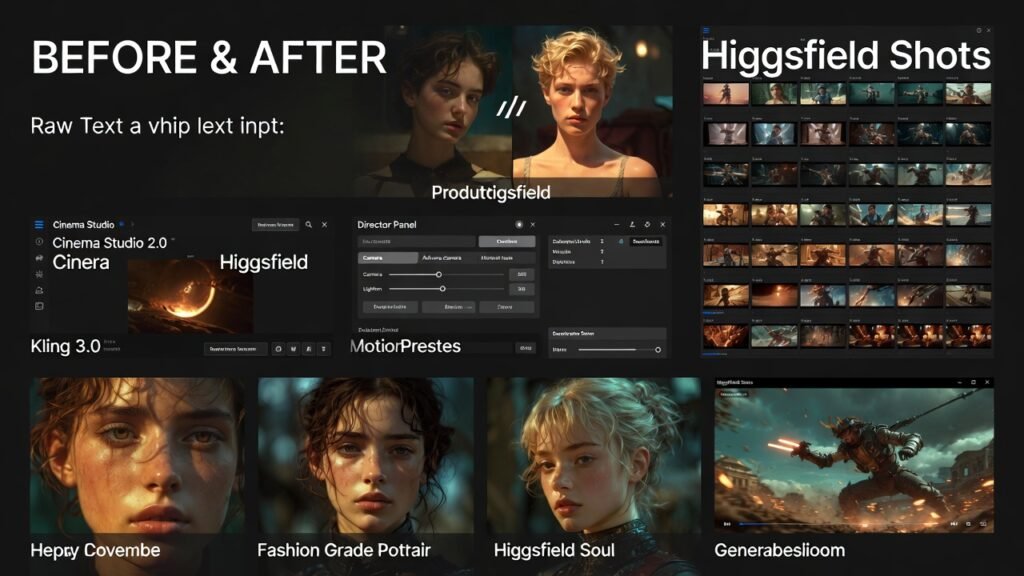
Higgsfield AI for Social Media and Content Creators
This is where the platform shines brightest. Higgsfield AI for YouTube shorts, Higgsfield AI for Instagram reels, and Higgsfield AI for social media videos in general are legitimate use cases. The fast iteration speed, the VFX library, and the motion presets make it easy to punch out content that looks polished without any film background.
Higgsfield AI for Marketing and Ads
Brands are using it to turn product screenshots into hype videos. The Click to Ad feature converts product links into commercials. For ecommerce video production, Higgsfield AI for product ads is a legitimate workflow. I tested this with a basic product image and the output was usable for social ads without additional editing.
Higgsfield AI for Filmmakers and Storyboarding
Higgsfield AI for indie filmmaking is a real use case. The Cinema Studio tool lets you prototype scenes with specific camera language before you go out and shoot. For storyboarding purposes, being able to generate a rough visual pass from a text prompt is genuinely useful. Full Hollywood production? No. Creative development and client pitches? Absolutely yes.
Higgsfield AI for Beginners
If you have zero video experience, Higgsfield AI for beginners is actually more friendly than most AI video tools. The interface is clear, the presets guide you, and the text to video workflow is as simple as typing what you want. Prompts do take some learning to get right, and you will need to tweak them a few times to hit your vision. But the learning curve is not steep.
Higgsfield AI Problems: What You Need to Know
Let me be real about the Higgsfield AI pros and cons here.
Higgsfield AI Motion Quality Problems
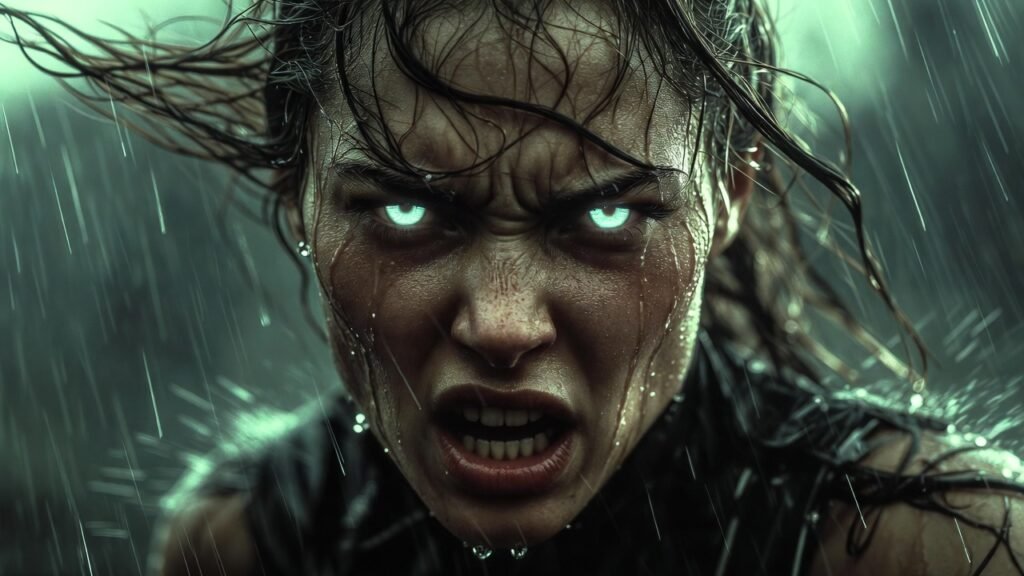
The Higgsfield AI motion quality problems are real. Quiet scenes with simple gestures work. Anything requiring dynamic movement, running animals, fast camera whips, or complex action sequences, tends to fall apart. The Higgsfield AI slow motion problem is something I noticed too, where even when you are not asking for slow motion, many outputs have a slightly sluggish pacing that does not feel like real-time movement.
Higgsfield AI Temporal Consistency Issues
The Higgsfield AI temporal consistency issues are probably the biggest pain point for professional use. A clip can start strong and then drift or morph mid-video. Characters shift, backgrounds change, details that were sharp in frame one are gone by frame three. For short five-second clips this is manageable. For anything longer, it becomes frustrating.
Higgsfield AI Visual Fidelity Review
On simple dialogue shots or stylized sequences, the Higgsfield AI visual fidelity review is passable. The visuals hold together at a basic level. Push it toward explosions, complex physics, or cinematic 3D movement and the quality drops. The Higgsfield AI 720p vs 1080p output also varies by model. The in-house generator is 720p by default. Some preset modes deliver 1080p but it is not universal.
If you hit flickering or strange artifacts, the fix is usually simpler prompts and lower complexity in the shot. Higgsfield AI flickering or artifacts fix starts with breaking your complex prompt into simpler components and generating in stages.
Higgsfield AI vs Competitors: How Does It Stack Up?
Higgsfield AI vs Kling 2.6
Higgsfield AI vs Kling 2.6 is actually a funny comparison because Kling 2.6 is available inside Higgsfield. In a direct quality matchup on motion and cinematic realism, Kling 2.6 wins clearly. But Higgsfield wraps Kling inside a broader creative platform with effects, lipsync, face swap, and more. If you just want the best video quality, go direct to Kling. If you want a full toolkit, Higgsfield packages it better.
Higgsfield AI vs Sora 2 and Veo 3.1
Higgsfield AI vs Sora 2 and Higgsfield AI vs Veo 3.1 are comparisons where Higgsfield loses on raw video generation quality. Both Sora 2 and Veo 3.1 produce more cinematic, temporally stable video. But neither has Higgsfield’s breadth of creative tools, pricing flexibility, or the mobile-first Diffuse app experience. They serve different needs.
Higgsfield AI vs Runway ML and Midjourney Video
Higgsfield AI vs Runway ML is competitive for the price. Runway is more polished for professional video editing workflows. Higgsfield AI vs Midjourney video is a bit different since Midjourney is primarily an image tool. On pure AI video features, Higgsfield has more options, but Runway edges it out on motion quality and stability.
My Personal Experience With Higgsfield AI
I want to be straight with you. My first week with Higgsfield AI was actually confusing. The platform is packed with tools and models and it can feel overwhelming when you hit https://higgsfield.ai for the first time. But by the second week, it started clicking. I found myself using the Cinema Studio tool for quick visual concepts, the face swap for fun experiments, and the Nano Banana Pro model for image generation when I needed 4K quality stills.
The thing that surprised me most was how useful Higgsfield AI is as a big AI playground for people who like creating. That phrase from a Trustpilot review actually nails it. It is not the single best AI video generator out there. But it is the most fun, most versatile, most bang-for-your-buck tool I have tried when you treat it like a creative suite rather than a single video engine.
The credit system can feel a little tight if you are experimenting heavily, and the Higgsfield AI mod apk premium unlocked or Higgsfield AI unlimited credits searches I have seen floating around are not something I would chase. Just use the official platform and pick the right plan. The Higgsfield AI coupon and Higgsfield AI discount opportunities during sales events like January 2026 are where the real value is.
Final Verdict: Is Higgsfield AI Worth It in 2026?
So is Higgsfield AI worth it? Here is where I land after weeks of real use.
If you are a content creator making social media videos, short ads, or marketing content for USA brands, yes it is worth it. The Pro plan gives you enough to work with, the platform has more tools than almost anything else at this price, and the Kling 2.6 integration alone justifies the subscription.
If you are an indie filmmaker looking for cinematic quality and temporal consistency across longer clips, you will hit the walls of the in-house generator fast. Use Higgsfield as your creative hub and lean on the integrated models. Pair it with Runway if you need polished longer-form output.
If you are a complete beginner just curious about what AI video can do, the Higgsfield AI free plan is your starting point. Test it. See if it clicks. Then decide.
Higgsfield AI earns a solid 8 out of 10 as a complete platform in 2026. Not for the in-house video generator alone, but for everything else it brings to the table. The ambition is clear, the tools are genuinely useful, and the pricing is competitive especially during promotional deals.
Quick Reference: Higgsfield AI at a Glance
| Best For | Social media content, marketing videos, indie filmmaking prototypes |
| Weakest Point | In-house video generator motion quality and temporal consistency |
| Best Plan (USA) | Pro at $17.40/mo — best balance of credits and model access |
| Overall Rating | 8 / 10 as a full platform | 3.7 / 10 for in-house video generator |
| Website | https://higgsfield.ai |