
What is the ChatGPT Branch in New Chat?
The ChatGPT branch in new chat lets you start a new conversation from any previous message while keeping the full context up to that point.
You can fork the conversation into a new chat instead of continuing in the same one and changing direction. There is no change to the original chat.
Main points:
- The new chat has all the messages that came before the branch.
- The first conversation is still there.
- Each branch works on its own.
This feature is for people who want to look at different answers, fixes, or ideas without losing the big picture.
How the ChatGPT Branch in New Chat Works
How the branching process works
When you branch a chat:
- ChatGPT copies the history of the conversation up to the message you chose
- In your sidebar, a new chat is made.
- You go on from there with all the information you need.
There are no messages after the branching point.
How to Use Branch in New Chat ChatGPT (A Step-by-Step Guide)
Step 1: Start a new ChatGPT conversation
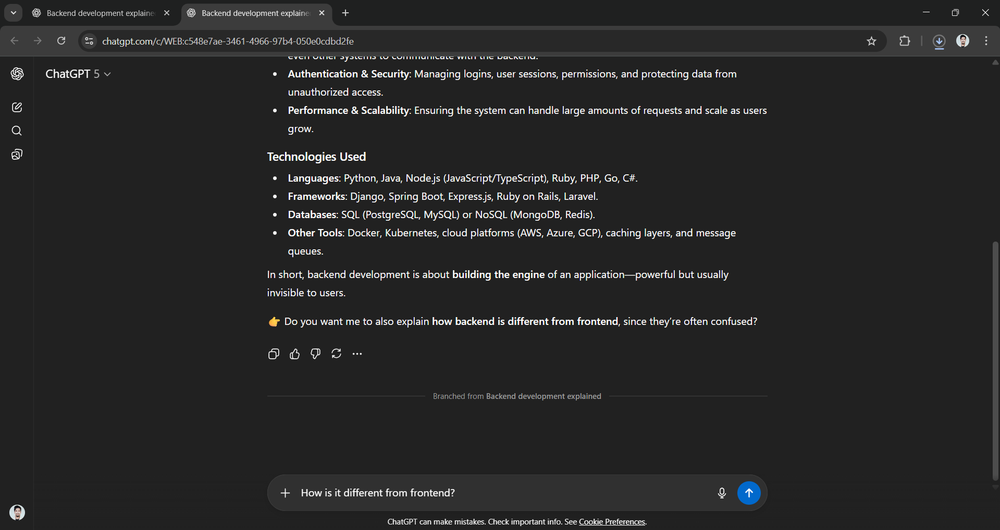
Go to the chat that has the message you want to branch off of.
Step 2: Choose the message you want to branch from
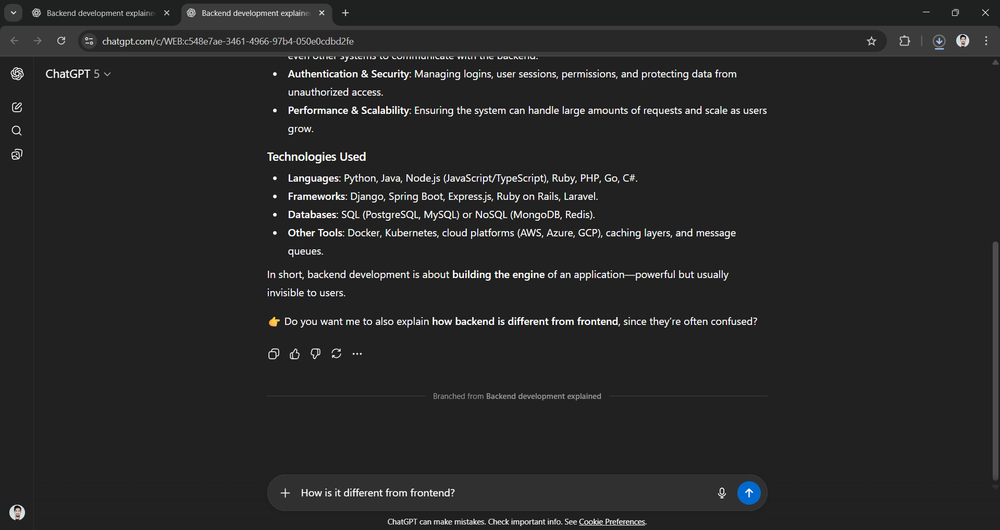
Put your mouse over the message and click the three-dot menu (More actions).
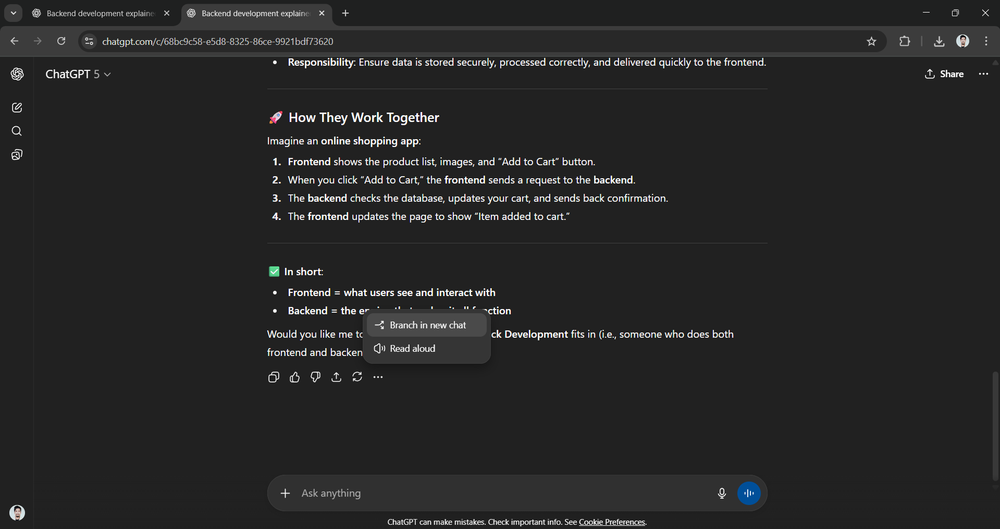
Step 3: Click on “Branch in new chat”
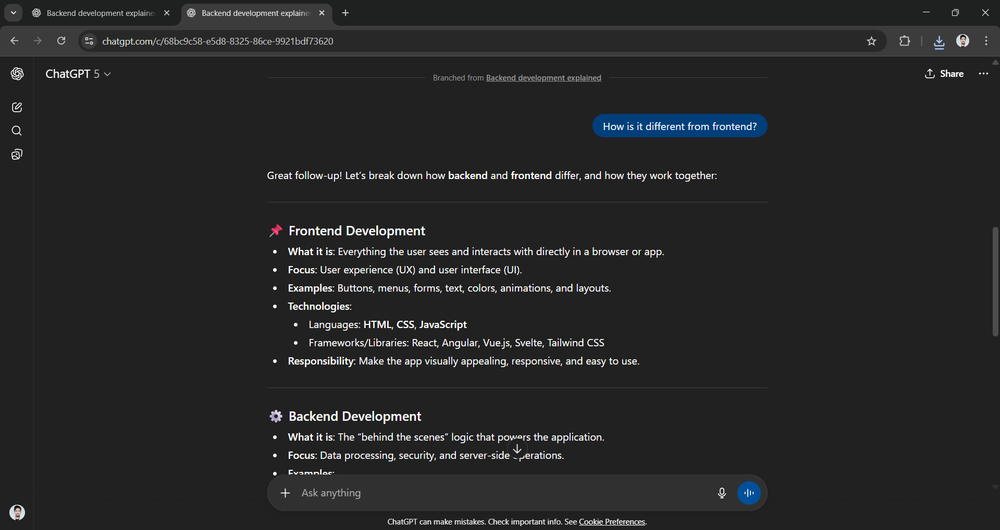
ChatGPT starts a new chat right away with the same context as the last message.
Step 4: Keep talking on your own
You can now ask a different question or try a new way of doing things without affecting the chat.
Why the ChatGPT Branch in New Chat Is Helpful
Main advantages
- Doesn’t have to rewrite prompts or context
- Lets you solve problems at the same time
- Keeps conversations clean and on topic
- Makes testing variations more accurate
This is especially helpful for writing, coding, fixing bugs, doing research, and improving prompts.
Problems that happen often with ChatGPT Branch in New Chat and how to fix them
How to Fix:
- Check to see if you are logged in.
- You can use ChatGPT on the web (not all apps may have this feature yet).
The new chat doesn’t have any context.
Fix:
- Branch from the right message
- Keep in mind that only messages that came before the branch point are included.
Too many chats that branch off
Fix:
- Clearly rename chats
- To avoid confusion, get rid of branches that you don’t use.
ChatGPT Branch in New Chat vs. Starting a New Chat
Main differences
Feature: New Chat Branch / New Chat
Keeps the old context
Yes / No
Needs to be prompted again
No / Yes
Best for trying out ideas
Yes / No
Use branch in the new chat ChatGPT if you need more information.
Start a new chat if you need a clean slate.
Who Should Use the ChatGPT Branch in New Chat?
This feature is most helpful for:
- Developers testing a lot of fixes
- Writers making changes
- A/B testing prompts for marketers
- Researchers investigating ancillary subjects
Questions that are often asked
What does the ChatGPT branch in the new chat GPT do?
You can use it to talk about different things without losing the context of the conversation.
Does branching change the original chat?
No. The original chat is still the same.
Are you able to make more than one branch?
Yes. You can branch off of any message as many times as you need to.
In short
The ChatGPT branch in new chat lets you fork conversations, keep the context, and quickly test out different options.
This feature gets rid of repetition and makes it easier to understand how to use the program for people who are trying to fix problems or improve outputs.
To get more information watch complete You tube video click here
Pingback: How to Turn on Spicy Mode in Grok AI: The Ultimate Guide to Edgy AI Conversations and NSFW Content Creation
Pingback: The Full Guide to Chai AI: What You Should Know About AI in 2026
Pingback: Leonardo AI Review 2026
Pingback: Wsup AI Complete Guide 2026: The Best Free AI Character Chat Platform (No Signup Needed)
Pingback: Xvid Video Codec Download 2026: Free & Easy Guide to Fix “Xvid Codec Required” Errors