
You’re mid-conversation with your favorite character.
The plot’s getting good.
Then—blank screen. Error message. Nothing.
If you’re here asking “is Janitor AI down right now?”, chances are you’ve already refreshed more times than you’d like to admit.
This guide covers:
- How to check Janitor AI down status in real time
- Whether the issue is global or just you
- Why outages keep happening
- Fixes that actually work
- Reliable alternatives when Janitor AI is unusable
No fluff. Just answers.
How to Check If Janitor AI Is Down Right Now
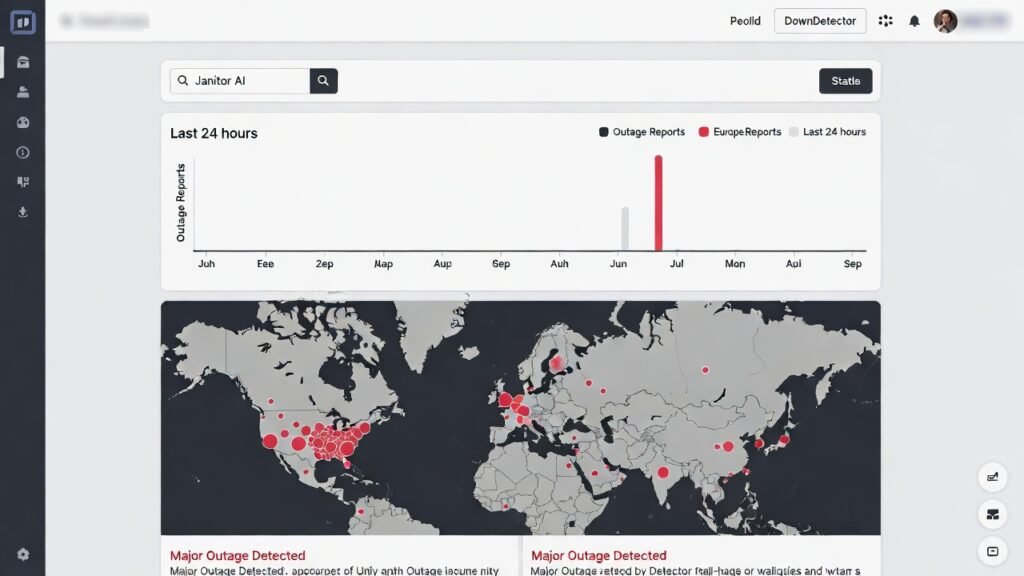
Before you start nuking your browser cache or blaming your internet, confirm whether the issue is on their side or yours.
Quick Status Check Methods
DownDetector
Search “Janitor AI” on DownDetector.
If you see a spike in reports within the last hour, it’s a platform-wide issue.
IsItDownRightNow
This tool directly pings Janitor AI servers and shows response times.
Slow or failed pings = struggling servers.
Janitor AI Discord Server
This is the fastest and most accurate source.
- Users report issues within minutes
- Devs post maintenance and outage updates
- You’ll know if it’s planned or accidental
Twitter / X Search
Search “Janitor AI down” and filter by Latest.
If dozens of people are posting the same complaint, the verdict is clear.
Pro Tip: Bookmark at least two of these. When Janitor AI goes down during peak hours (which it will), you’ll skip the guessing game.
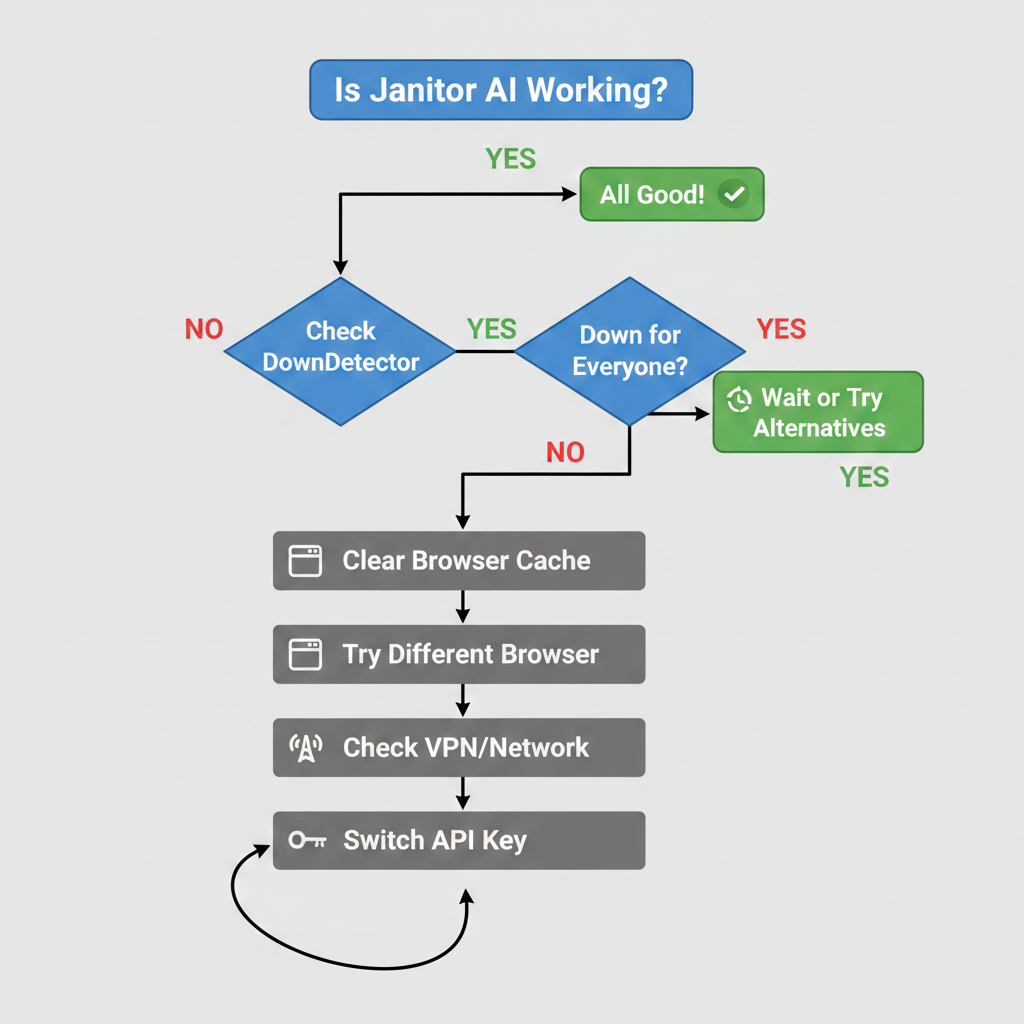
Is Janitor AI Down for Everyone or Just You?
This distinction saves time.
If Status Sites Show No Outage
The issue is probably local:
- Browser cache corruption
- VPN interference
- ISP or regional routing issues
- Expired login session
If Status Sites Confirm an Outage
Stop troubleshooting.
You have two real options:
- Wait it out
- Switch to an alternative (covered below)
Anything else is wasted effort.
Why Does Janitor AI Keep Going Down?
Let’s be honest — this isn’t random.
Server Overload From Explosive Growth
Janitor AI scaled users faster than infrastructure.
During peak hours:
- US users finish work
- EU users wind down
- Asia enters evening hours
Everyone logs in at once.
Servers hit capacity.
Requests fail.
That’s the pattern.
Scheduled Maintenance vs Unexpected Crashes
Scheduled Maintenance
- Announced on Discord (usually 24–48 hours ahead)
- Happens during low-traffic hours
- Lasts 30 minutes to a few hours
Normal. Predictable. Not the problem.
Unexpected Crashes
These are the painful ones, caused by:
- Sudden traffic spikes
- Database failures
- Backend LLM API outages
- Hardware or scaling errors
The infamous “failed to fetch” error usually means the frontend lost connection to the AI backend — sometimes Janitor AI’s fault, sometimes the LLM provider’s.
Regional Outages (Most People Miss This)
Janitor AI can be down in one country and fine in another.
Traffic is routed through regional server clusters.
If one region fails, users there are locked out — while others chat normally.
That’s why you’ll see:
“Works fine for me”
…while yours is completely broken.
Quick Fixes When Janitor AI Won’t Load
If the platform isn’t fully down, these steps actually help.
Browser-Side Fixes
Clear Cache (Site-Specific)
Clear cookies + cached files only for Janitor AI.
Don’t wipe everything unless you like pain.
Switch Browsers
Chrome → Firefox
Firefox → Brave
Extensions break things more often than people admit.
Disable Ad Blockers
Aggressive blockers sometimes kill API calls.
Whitelist Janitor AI and test again.
Check Login Status
Server hiccups often log users out silently.
If you see a login page, your session expired.
Common Mistake: Rapid refresh spamming.
This increases server load and can trigger IP rate limits.
Wait 30 seconds between attempts.
Network-Side Fixes
- Switch Wi-Fi ↔ mobile data
- Restart your router (DNS issues are real)
- Change DNS to:
- Cloudflare: 1.1.1.1
- Google: 8.8.8.8
- Cloudflare: 1.1.1.1
- Enable or disable your VPN (test both)
If a VPN fixes it, the issue is regional or ISP-related.
API-Related Fixes (Advanced Users)
If you use your own API key:
- Check OpenAI balance (zero credits = no responses)
- Regenerate your API key
- Temporarily switch providers (OpenAI ↔ KoboldAI)
If the backend API is failing, Janitor AI can’t do anything about it.
What to Do When Janitor AI Is Down: Alternatives That Work
Sometimes the correct move is leaving.
Best Janitor AI Alternatives for Roleplay
Character.AI
- Extremely stable
- Massive character library
- Very strict filters
Best for SFW roleplay. Frustrating otherwise.
Crushon.AI
- Closest Janitor AI replacement
- Fewer restrictions
- Similar UI
Server stability is decent, not perfect.
SillyTavern
- Local software, not a platform
- Full control
- Steeper learning curve
Power users love it because servers aren’t someone else’s problem.
Chai
- Mobile-friendly
- Quick setup
- Limited customization
Good for casual use.
DreamGen
- Creative writing focused
- Smaller community
- Strong generation quality
Underrated for long-form roleplay.
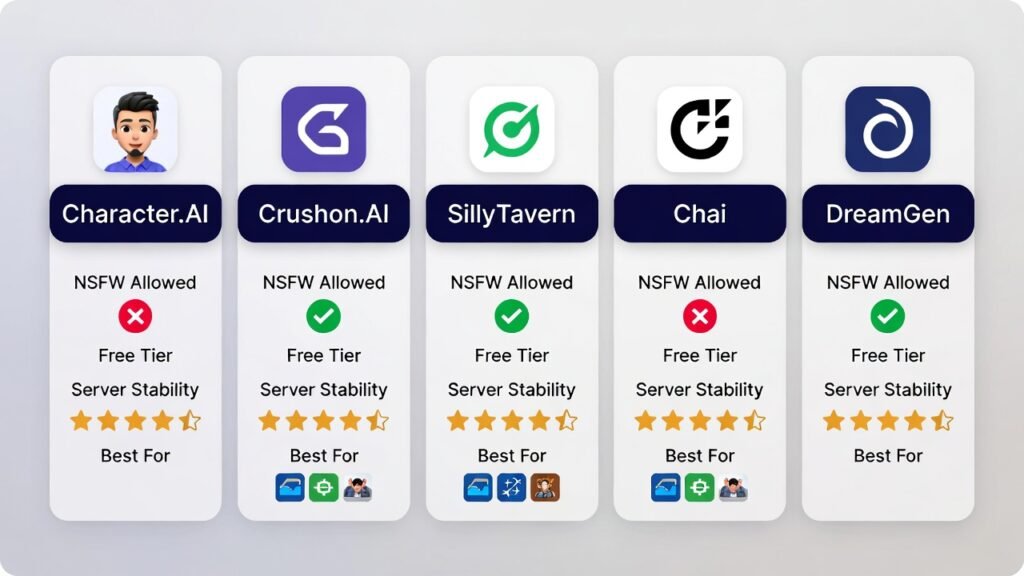
Quick Comparison Table
| Platform | NSFW Allowed | Free Tier | Server Stability | Best For |
| Character.AI | No | Yes | Excellent | SFW roleplay |
| Crushon.AI | Yes | Limited | Good | Janitor AI alternatives |
| SillyTavern | Yes | Yes* | User-controlled | Power users |
| Chai | Limited | Yes | Good | Mobile users |
| DreamGen | Yes | Limited | Good | Creative writing |
*SillyTavern is free but requires your own API keys.
Pro Insight:
Never rely on one platform.
Set up 2–3 alternatives before you need them.
Read Complete Guide on Janitor AI
Why Janitor AI Goes Down During Peak Hours
You’re not imagining the timing.
Peak Traffic Windows (EST)
- Worst: 6 PM – 12 AM
- Best: 6 AM – 9 AM
- Decent: 2 PM – 5 PM
Weekend vs Weekday Patterns
- Friday nights = disaster
- Weekends = high traffic but more evenly spread
Announcements and new features also trigger massive traffic spikes.
Frequently Asked Questions
Is Janitor AI down right now in 2026?
Check DownDetector or the official Discord for real-time updates.
Why does Janitor AI say “failed to fetch”?
Backend API connection failure — usually server overload.
How long do outages last?
- Scheduled: 1–3 hours
- Unexpected: 20 minutes to half a day
Is Janitor AI free?
Yes, but JanitorLLM has message limits. Unlimited use requires your own API key.
Can a VPN fix Janitor AI?
Sometimes. It helps with regional or ISP issues, not full outages.
Where do I report bugs?
Official Discord bug-report channels get the fastest responses.
Final Takeaway: Your Action Plan
When Janitor AI breaks:
- Check status sites first
- Don’t spam refresh
- Try browser + network fixes
- Switch platforms if it’s truly down
- Avoid peak hours if stability matters
Janitor AI will improve as infrastructure scales — but until then, smart users stay flexible.
A really good blog and me back again.
Thank you so much for you appreciation
Pingback: Gauth AI Review 2026: Is This Free Homework Helper Worth Your Time?
где можно навесы заказать навес для крыльца