
Hey friend, if you’re here searching for “xvid video codec 2026” or “how to download xvid codec”, you’re probably staring at that frustrating message: “Xvid codec required to play this video.” I’ve been there — old movie files from 2005 refusing to play on your brand-new Windows 11 PC or Android phone.
In this complete 2026 guide, I’ll show you exactly how to download and install the Xvid Video Codec safely (or better yet, skip it entirely), fix errors on VLC, MX Player, Android, and Windows Media Player, and explain why most people don’t need it anymore. Everything is updated for February 2026, with official links only.
Must Read: How to Use the ChatGPT Branch in New Chat
What Is the Xvid Video Codec?
Xvid (often written XviD) is a free, open-source MPEG-4 video codec that was huge in the 2000s and early 2010s for ripping and sharing movies. It compresses video files brilliantly while keeping excellent picture quality — that’s why so many classic AVI files still use it.
The good news? The official Xvid Video Codec 1.3.7 (released December 28, 2019) still works perfectly in 2026 for decoding those old files. There’s no newer “Xvid 2026” version because the codec is mature and stable — no need for updates.
How to Download Xvid Video Codec 2026 Safely (Official Way Only)
Step-by-step for Windows 10 / Windows 11:
- Go to the official site: https://www.xvid.com/download/
- Click the latest Windows installer (Xvid-1.3.7-20191228.exe — 11.3 MB).
- Run the file as Administrator.
- Choose “Full installation” and click Next until done.
- Restart your computer.
- Open your Xvid video — it should now play in Windows Media Player or any DirectShow player.
For Mac users (2026 recommendation):
There’s no official Mac installer. Instead:
- Use free VLC Media Player (built-in Xvid support)
- Or Elmedia Player (excellent alternative)
- Or convert the file to MP4 using HandBrake (free)
For Android – Xvid Codec for MX Player & More
Most Android users searching “xvid codec download for android” can skip extra apps:
- Install VLC for Android from Google Play — it plays Xvid files natively.
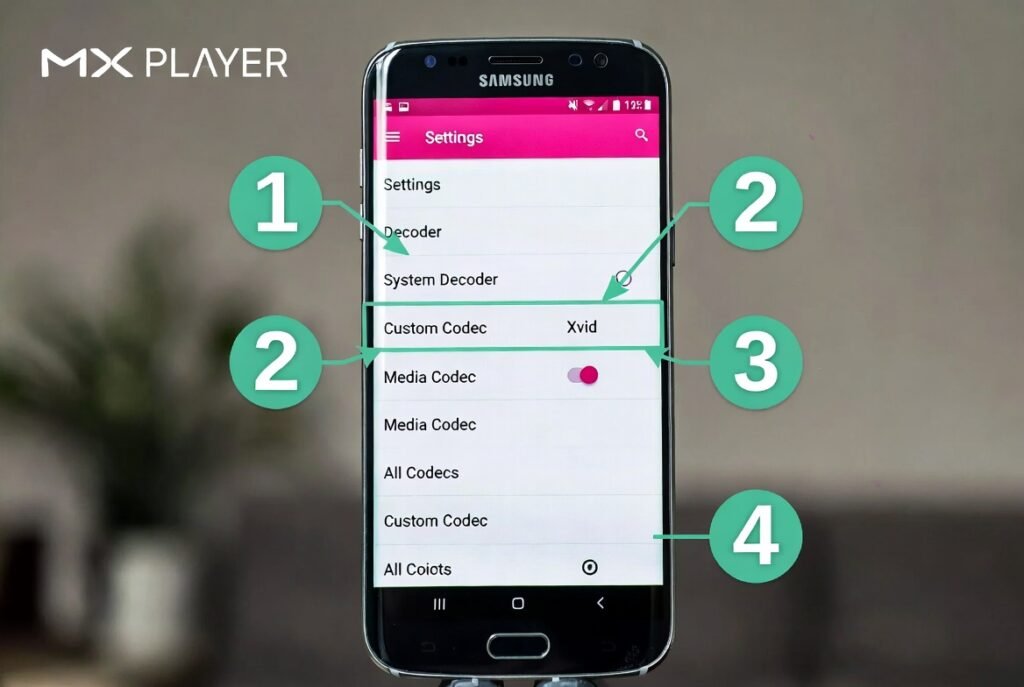
- If you prefer MX Player:
- Open MX Player → Settings → Decoder → Custom Codec
- Download the correct ARMv7 or ARMv8 codec pack from the official MX Player site (not random APKs!)
- Select it and restart.
Warning: Never download “Xvid Codec APK 2026” from random websites. They’re frequently bundled with viruses. Stick to Google Play or official sources.
Must Read: Best Api Search Company’s Homepage
Xvid Codec Required Error – Quick Fixes (2026)
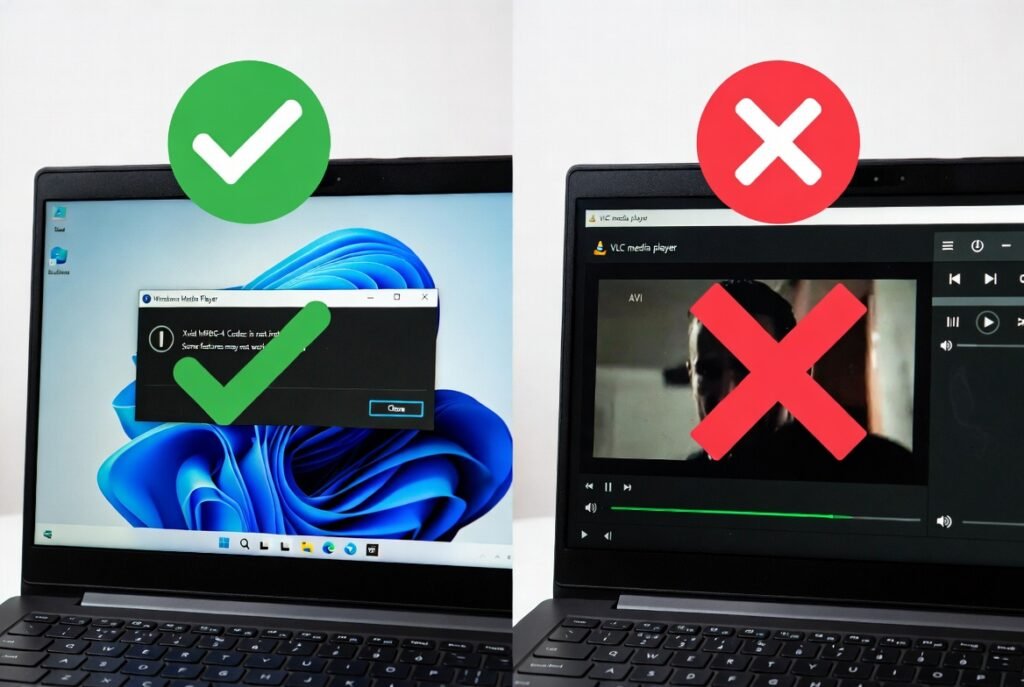
| Error Message | Best Fix in 2026 | Time Needed |
| Xvid codec required to play this video | Install VLC (no codec needed) | 2 minutes |
| Xvid codec not working Windows 11 | Install official Xvid 1.3.7 or K-Lite Codec Pack | 5 minutes |
| Xvid codec mx player error | Use MX Player custom codec or switch to VLC | 3 minutes |
| No sound in Xvid video | Install K-Lite Codec Pack (includes audio codecs) | 4 minutes |
| Xvid video black screen Android | Update MX Player + install correct codec pack | 4 minutes |
Do You Even Need the Xvid Codec in 2026?
Honestly — probably not.
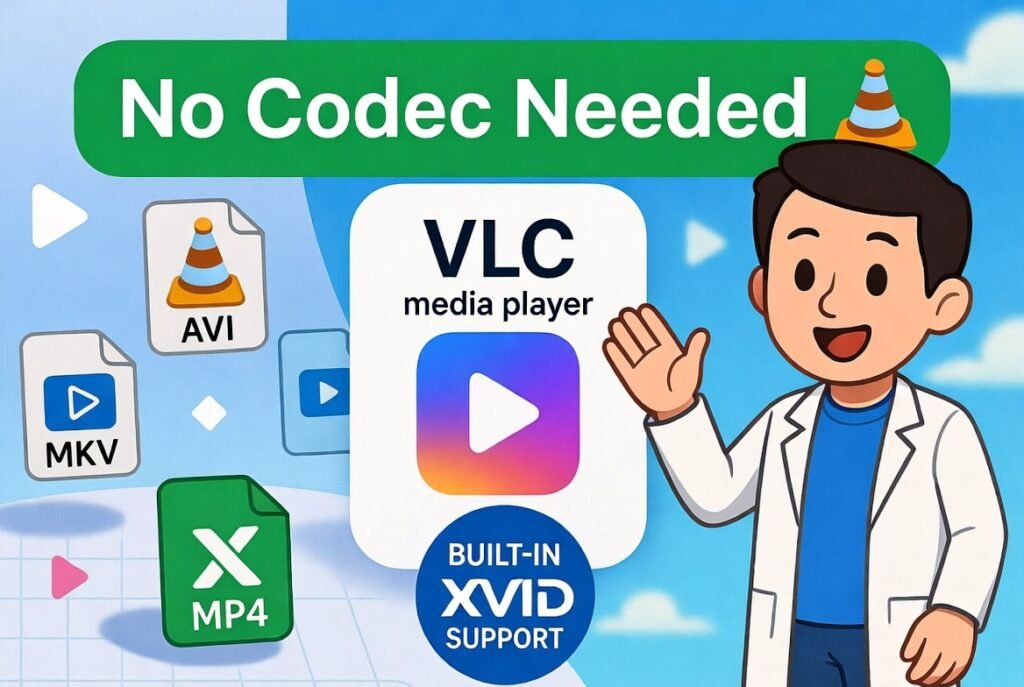
Modern players like VLC have Xvid decoding built right in. Installing the codec pack is only necessary if you:
- Use Windows Media Player Classic
- Edit videos in old software
- Want system-wide support for every player
Pro Tip: The smartest move in 2026 is installing VLC Media Player. It’s free, open-source, plays everything (including Xvid, DivX, HEVC, 4K, subtitles), and needs zero extra codecs. Download from videolan.org — safest site on the internet.
Xvid Codec vs Modern Alternatives (2026 Comparison)
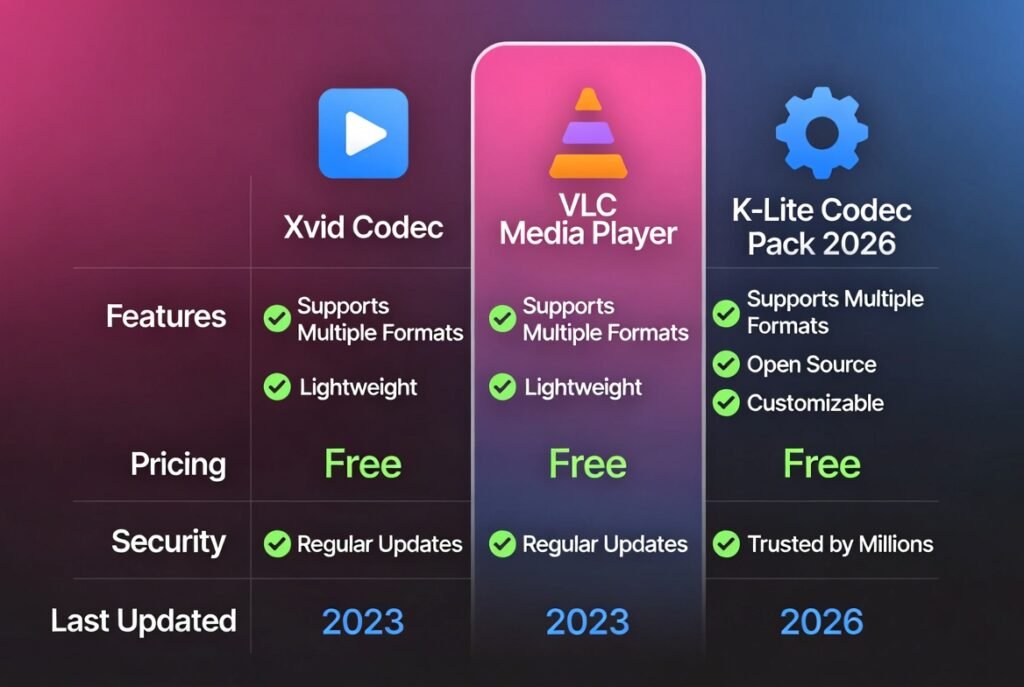
| Feature | Official Xvid 1.3.7 | VLC Media Player | K-Lite Codec Pack |
| Last Update | 2019 | Monthly 2026 | Regular 2026 |
| Xvid Support | Excellent | Built-in | Excellent |
| Installation | Manual | One-click | One-click |
| Security | Safe (official) | Extremely safe | Safe |
| Android Support | No | Full | N/A |
| Best For | Legacy support | Everyday use | Power users |
Troubleshooting Common Xvid Problems in 2026
- File plays but no video → Install K-Lite (Standard version)
- File plays but no sound → Same, K-Lite includes audio codecs
- MX Player says codec missing → Download MX Player codec pack from their official forum
- Windows 11 blocks the installer → Right-click → Properties → Unblock
Convert Xvid Files Instead of Installing Codecs
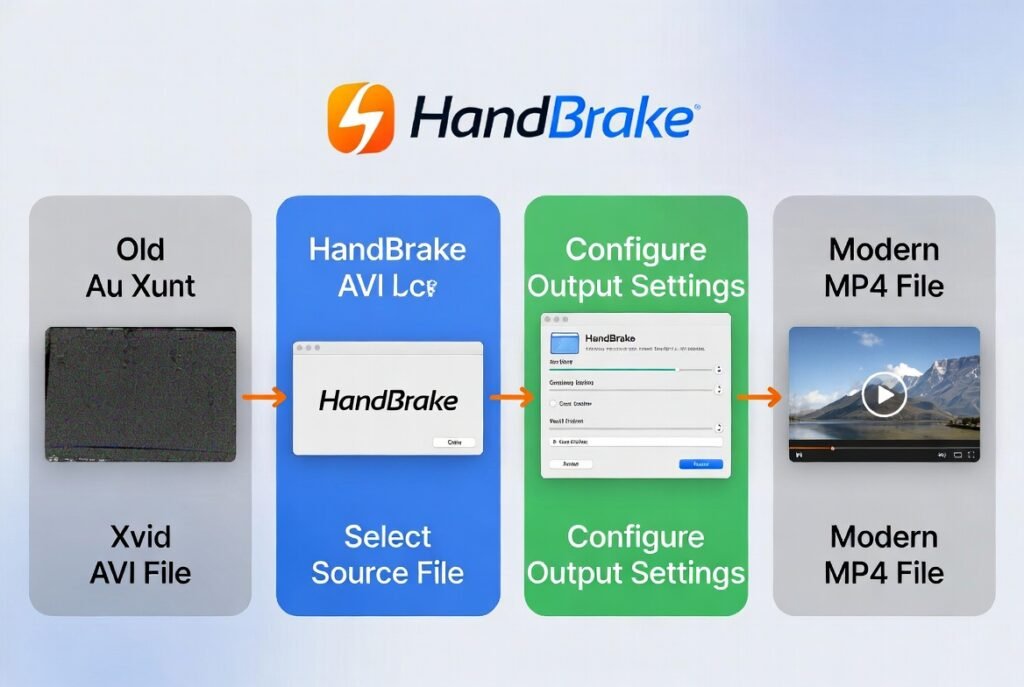
If you’re tired of codec headaches, just convert:
- Download HandBrake (free)
- Open your Xvid AVI
- Choose “Fast 1080p30” preset
- Export as MP4
- Done — plays everywhere forever
Is Xvid Codec Safe to Download in 2026?
Yes — but only from xvid.com. Any other site offering “Xvid Video Codec 2026” is almost certainly fake or infected. I checked VirusTotal on the official file — clean.
Final Verdict: Xvid Video Codec 2026
The Xvid codec is still alive in 2026 for one reason: millions of old movies and TV rips are encoded in it. But you don’t need to hunt for “xvid codec download” anymore.
Just install VLC Media Player once and forget about codecs forever. It’s faster, safer, and handles everything the old Xvid installer did — plus modern formats.
If you still want the official codec for Windows Media Player compatibility, grab it from xvid.com in 30 seconds.
Problem solved, video playing, and you’re safe.
Enjoy your movies!
Related Posts: Cheaterbuster AI Review 2026
Sakura AI Review 2026: Is Sakura AI Safe